
A small business can start on YouTube without treating every video as a campaign or a commercial. Begin with a useful customer question, make the answer clear, and connect the video to a practical next step such as a visit, call or booking request. A simple channel that explains real work can support local visibility over time, provided you publish accurately, review the results and respect the rights attached to music and footage. Verified on November 25, 2026.
Decide what the video needs to accomplish
A video is easier to plan when it has one job. That job might be helping a customer prepare for an appointment, showing what happens during a service, answering a repeated question at the counter or explaining a choice that often causes confusion. The point is not to make your business look larger than it is. It is to leave a viewer with a useful answer and a clear sense of what to do next. This approach fits the broader work of choosing social media platforms for a small business, where the platform follows the audience and task rather than the other way around.
For example, a bakery in Trois-Rivières might record a short explanation of how advance orders are packed for collection. A garage in Moncton might show the information a customer can bring when describing an unfamiliar noise. A landscaping company could explain how it assesses access to a property before giving an estimate. These topics are specific enough to be useful, and they avoid the vague promise of a general promotional video. The practical anchor is the customer question you can hear repeatedly in calls, emails or in-person conversations.
Write the topic down in one sentence before recording. If you cannot state what the viewer should understand by the end, the subject may be too broad. A topic such as "our services" asks a single video to carry too much. A topic such as "what to bring when dropping off a repair" gives the speaker a workable boundary. Keep this planning note with the finished file so you can later compare the original purpose with the questions and viewing behaviour the video attracts. YouTube Studio's Analytics area is the checkable place to review that behaviour. Verified on November 25, 2026.
A useful first editorial list can include:
- Questions customers ask before they contact you.
- Steps that make an appointment, collection or visit go more smoothly.
- Terms that customers hear but may not understand.
- Common mistakes that create delays or disappointment.
- A straightforward demonstration of a service, product or process.
This is not a promise that every subject will draw an audience. It is a way to avoid producing video solely because the calendar says you should publish. Statistics Canada publishes contextual material on likes, follows and subscriptions; it describes online habits in general and cannot tell a local business which videos will work. A business still needs to be clear about why its own material deserves a customer's time. Statistics Canada material on likes, follows and subscriptions. Verified on November 25, 2026.
Set up the channel before the first upload
Treat the channel as a public business page, not as a storage folder for clips. Google states that YouTube Studio's Customization area lets you change the channel name, handle, description, profile picture, banner and website links. Those fields give a local viewer a way to understand what the channel is for before they choose a video. Google's channel customization help page describes those available controls. Verified on November 25, 2026.
Use a description that identifies the kind of work you show, the service area where it matters and the type of questions the channel will answer. Avoid filling the description with slogans. A person looking for help after business hours needs plain information: what you do, where you work and how to reach you through the contact route you have chosen. Review this information alongside your Google Business Profile so a customer does not find conflicting details on different public pages.
The profile image and banner do not need elaborate treatment. Their purpose is recognition and legibility at a small size. Make a simple choice, then use the same visual approach consistently enough that a returning viewer recognizes the channel. Google also describes channel profile management on its official Help pages, which is a better reference than relying on old setup instructions saved from a previous version of the interface. Verified on November 25, 2026.
The following check is useful before publishing anything:
| Channel element | What to confirm | Official reference point | Check date |
|---|---|---|---|
| Channel identity | Name, handle, description, profile picture, banner and website links reflect the current business | YouTube Studio Customization | November 25, 2026 |
| Video details | Title and description match the material actually shown | YouTube Studio Content and Details | November 25, 2026 |
| Thumbnail | The image represents the subject and follows the available upload process | YouTube Studio thumbnail controls | November 25, 2026 |
| Results review | Reach and Engagement reports are available for reviewing published videos | YouTube Studio Analytics | November 25, 2026 |
Source: Google, verified on November 25, 2026.
Keep access to the channel organized from the start. Decide who can publish, who can reply to public comments and who can update contact details. This is an operational decision rather than a video style choice, but it prevents a common local-business problem: the person who made the original clip is no longer available when a phone number, service area or description changes. The official channel profile guidance is the checkable reference for current profile controls. Verified on November 25, 2026.
Plan recordings around a clear customer need
A customer does not need a presenter to sound like a broadcaster. They need the explanation to be audible, paced clearly and tied to the question that brought them to the video. Start by saying what the video covers. Then show or explain the relevant steps. Close with the practical next action: check a page, prepare information before calling, visit during posted hours or contact the business through its usual route.
Prepare a short outline rather than memorizing a script word for word. Notes reduce the chance that the video circles back over the same point or leaves out the answer it promised. They also make it easier to record again when the service, process or seasonal information changes. A home renovation business, for example, can separate a video about preparing for an estimate from a video about caring for a completed project. Each video then has a useful place in the customer's online buyer journey.
Before recording, look at the space through the camera. Check whether the customer could see personal information, paperwork, a private address, a licence plate or material that does not belong in a public video. If another person appears, obtain permission that is appropriate to the situation before publishing. This is particularly important in customer-facing settings where a helpful demonstration can unintentionally reveal more than the speaker intended. The practical anchor is the final recording itself: watch it once for content and once for what is visible in the background.
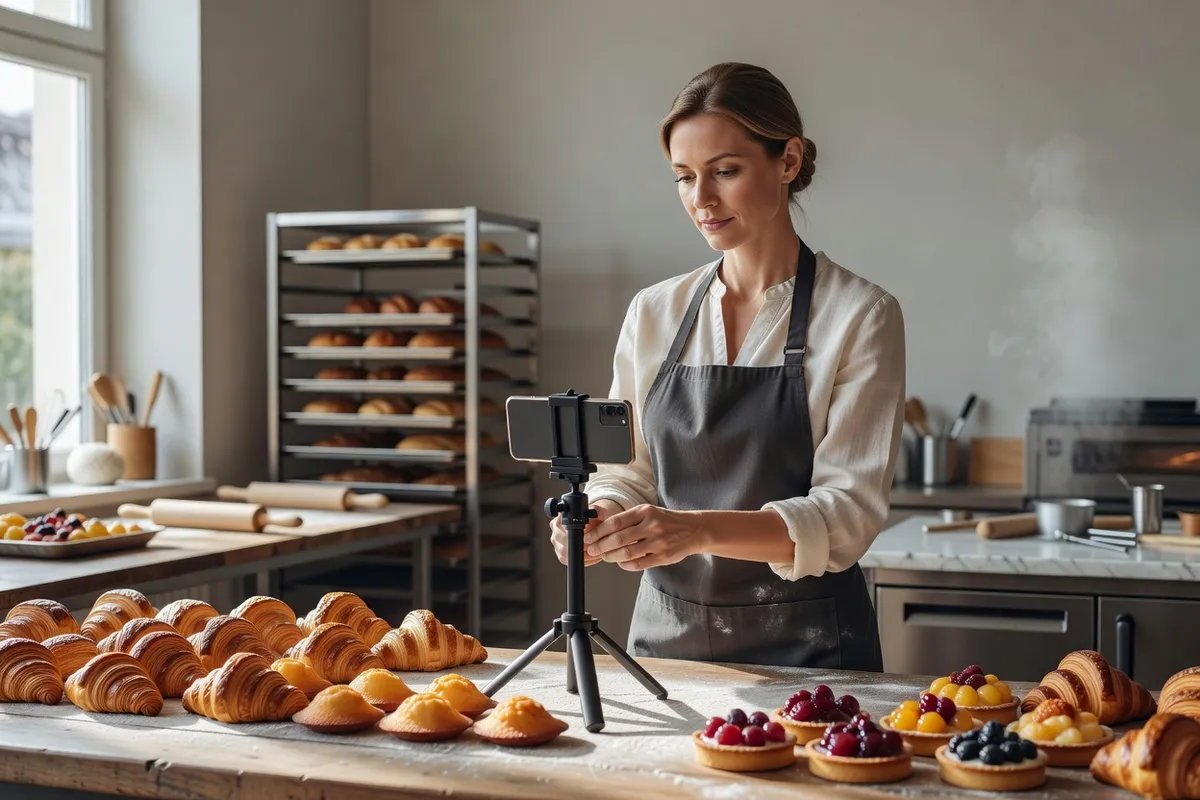
Sound deserves the same check. A viewer can follow an ordinary image if the explanation is understandable, but unclear sound makes even a useful topic difficult to use. Record a brief test in the actual location, listen on the device where customers are likely to watch and adjust the setting if equipment noise or traffic overwhelms the speaker. This is a field check, not a claim about a universal production standard.
A workable recording outline might be:
- State the customer problem in plain language.
- Explain what the viewer will see or learn.
- Show the relevant step, item or person doing the work.
- Clarify a limit, variation or condition where one matters.
- Give one honest next step for a viewer who needs help.
That structure gives the business room to be direct without turning every video into a sales pitch. It can also make a video more useful for staff, who may be able to send it to a customer asking the same basic question. Keep a written note of the date the information was recorded so that you can review it when procedures, availability or contact details change. Verified on November 25, 2026.
Give each upload a useful title and description
Titles and descriptions help a viewer decide whether the video matches the problem they are trying to solve. Google states that you can open Content in YouTube Studio, select a video and use Details to change its title and description. This means the wording can be reviewed after publication if it is unclear or no longer reflects the material. Google's YouTube Help guidance on video details and thumbnails is the official reference. Verified on November 25, 2026.
Choose language a customer would recognize. "How to prepare for a furnace service visit" says more than "service information." "What happens when you bring a bicycle in for a tune-up" gives a clear expectation without promising a specific outcome. Add a local place name only when it helps a viewer understand where the information applies. Do not attach a location to every title if the video has no local detail beyond the business address.
Descriptions can add context that would interrupt the recording. They can state the service area, point to a relevant page on your site or tell viewers what information to have ready before contacting you. Keep the first lines focused on the video itself. A description should not hide the subject under a block of repeated phrases, contact details or unrelated links. The checkable standard is simple: a person who reads it should know what the video contains before pressing play.
Thumbnails deserve the same plain-language approach. They should show the real subject or a clear visual cue related to it, rather than a dramatic image that has little to do with the recording. Google states that custom thumbnails can be changed through YouTube Studio's video editing flow. It also states that repeated policy violations can result in losing the ability to use custom thumbnails for 30 days or, in more serious circumstances, account closure. Verified on November 25, 2026.
Use the thumbnail review as a final accuracy check. Is it clear at a small size? Does it suggest the same question as the title? Does it show an adult participant appropriately and avoid customer information or unrelated material in the background? These checks support the kind of trust work covered in customer reviews and reputation management: public information should match what the customer encounters after clicking.
Connect the video to local business information
A video should not become a separate, isolated project. If it explains a service, connect it to the page where a customer can find current details. If it answers a question that staff hear every day, consider whether the same answer belongs in a booking confirmation, a frequently asked questions page or a response to an enquiry. The video may be the most helpful format for one person, while another may prefer text they can scan quickly.
Keep business information consistent wherever customers look. A person who finds a service video and then checks your listing should not have to guess which location, phone number or opening information is current. Google provides official help on managing customer reviews in a Business Profile, which is a useful adjacent check when your video plan involves sending viewers toward a public business listing. Read Google's Business Profile review guidance. Verified on November 25, 2026.
Think carefully about the action you ask viewers to take. A video about choosing a product might reasonably point to a product page. A video about preparing for an appointment might point to a contact page. A video that simply explains a process may only need to invite viewers to watch a related topic. The call to action should follow the content, not interrupt it every few moments.
If you link to a form that collects contact information, keep the form's purpose clear and separate a service request from any later promotional message. The page on newsletters and CASL explains why a useful customer enquiry should not be treated as a blank cheque for unrelated communications. The checkable point is the form itself: a visitor should understand what will happen after submitting it.
Read the reports without chasing the wrong signal
Do not judge a local-business video only by whether it produces an immediate enquiry. A person may use it to prepare for a future appointment, understand a service or decide whether your business is relevant. The right review question is whether the video served its intended job and whether the next version can answer the same need more clearly.
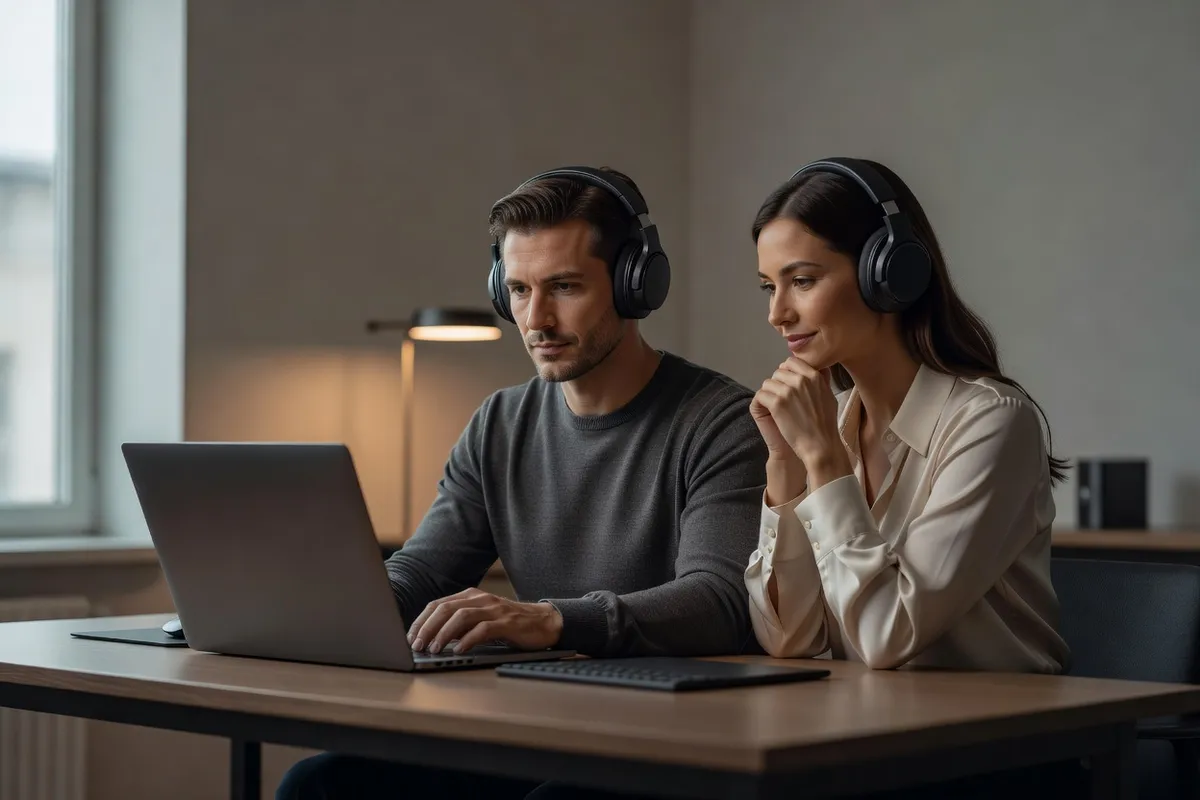
Google states that, in YouTube Studio, you can open Analytics and review Reach or Engagement. The Engagement area includes watch time and average view duration. Google defines average view duration as the average number of minutes watched per view for the selected content, period, country or region and other filters; in the audience retention report, it is calculated from engaged views and their corresponding watch time. Verified on November 25, 2026.
Look at the reporting alongside what actually happened in the business. If a video explains an appointment process, did staff receive fewer basic preparation questions? If it answers a common product question, did customers refer to the explanation when they visited? If no useful change is visible, that does not automatically mean video is unsuitable. It may mean the topic, title, description or next step needs adjustment. The terms in this analytics glossary can help you keep website and video measures distinct.
Keep a simple review record for each upload: the customer question, the action you hoped to support, the wording used in the title and what you would change next time. This makes the channel easier to manage when several people contribute. It also prevents you from treating every new report as a verdict on the whole effort. YouTube Studio is the official location for the platform's reports; revisit its current interface rather than relying on old screenshots or instructions. Verified on November 25, 2026.
Music, clips and rights need a separate check
Do not assume that material found online is available for use in a business video. Music, sound effects, photographs, footage and visual assets can each involve rights questions. Keep track of where material came from and what permission or licence applies. This record is useful even when the video is modest and local, because the business may need to edit, re-use or remove the material later.
Google states that tracks from the YouTube Audio Library can be used in monetized videos if the channel is in the YouTube Partner Program. It also states that only YouTube Audio Library licences are valid for use in multiple videos uploaded to YouTube. Google's official monetization guidance is the source to consult before relying on a track for a monetized upload. Verified on November 25, 2026.
Google further states that Creator Music tracks available for licensing or revenue sharing are restricted to long-form videos, not Shorts or live streams. That distinction matters when a business is repurposing a recording into different formats. Google's Creator Music usage details provide the current official reference. Verified on November 25, 2026.
Rights review should happen before editing is complete, not at the final upload screen. If you cannot confirm that you have permission to use a clip, image or recording, choose different material. The same caution applies to customer appearances, supplier premises and private property. A useful video does not need borrowed footage to make its point. It needs relevant footage that you can responsibly publish.
Create a rhythm you can maintain
A practical channel grows from a manageable routine. Choose a process that fits the people and time available in the business: collect questions, select a topic, record, review what appears and sounds in the frame, write the title and description, then check the reporting after publication. A routine that staff can maintain is more valuable than a burst of videos followed by silence.
Set aside time to revisit earlier uploads. Contact details, hours, service methods and product availability can change. A video may remain helpful while its description needs correction, or it may need to be replaced because the explanation is no longer accurate. Google states that title and description changes are available through the Details area in YouTube Studio, giving businesses a direct way to correct those fields. Verified on November 25, 2026.
The first videos are also a chance to learn what feels natural on camera. You may find that an owner explains a process clearly while a technician is better at demonstrating it. You may find that recording on-site produces useful context, or that a quieter workspace gives the best result. Treat these as production observations, documented in your own review notes, rather than universal rules.
A small video library can become part of ordinary customer service when every recording has a clear purpose. Keep the work close to the questions customers really ask, publish only what remains accurate and use YouTube Studio as the official place to review channel settings, uploads and reports. Verified on November 25, 2026.
Learn more
For a broader view of where video fits among public channels, start with the social media and reviews guide. It can help you decide whether a particular topic belongs in video, a social post, a business listing update or a response to a customer question.
Google's official YouTube Help pages remain the best place to check current controls for channel customization, uploads, titles, descriptions and thumbnails. The pages consulted for this guide show updates during October and November 2026, so review the live guidance when a screen or menu differs from an older instruction. Verified on November 25, 2026.
Finally, keep the standard modest and useful: answer a real question, show only what you are prepared to publish, describe the video accurately and review what viewers do with it. That is a sound starting point for a small business that wants video to support local customer decisions rather than distract from them.
The Signal Local editorial team